
JavaScript is a provide the may way to handle the array, One of the best way is a JavaScript forEach loop. it is perform an action on every element of an array without managing indexes. forEach loops is used for with key and value format of array of objects.
In this blog, You will learn the how JavaScript for loop works, Syntax, and practical real word examples.
What is forEach Loop in JavaScript?
A JavaScript forEach loop is one type of array methods which is a run each and every elements of an array. We no need to handle the Iterations like increment/decrement. It is mange automatically. no need to stop loop. so Every developer prefer for loop to forEach loop. forEach Loop in JavaScript is not return any value it is only transfer the values. The reduce() method is often used along with forEach to process array values.
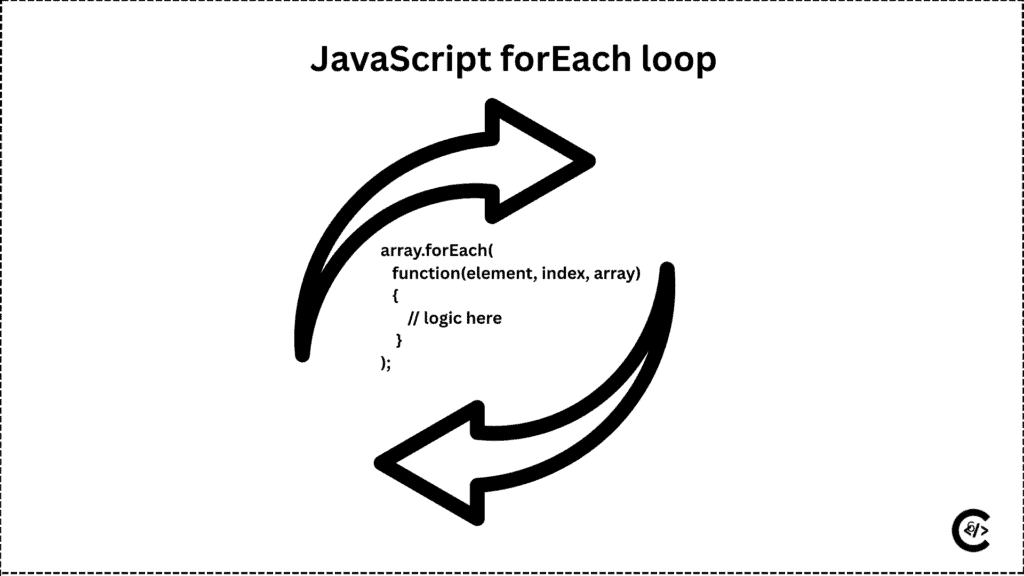
forEach loop does not support the break and continue. forEach return the undefine values and it is not return a new array like a JavaSctipt map(). It is changes on existing array.
JavaScript forEach loop Syntax
JavaScript forEach syntax have a main three parts element, index, array.
myArray.forEach(function(element, index, array) {
  // logic here for Each loop
});
element
element is a current array item and it is a call back function. It is different value on all time first to last.
index
index is a position of the all element and It is optional no need to pass.
array
array is the last and it is original array and It is also optional parameter.
In this forEach loop syntext myArray is a array variable.
Simple JavaScript forEach Example
const colors = ["Light Blue", "Dark Blue", "Green","Yellow", "White"];

colors.forEach(color => {
  console.log(color);
});
Output
Light Blue
Dark Blue,
Green,
Yellow,
White
This example showing the process of forEach loops and how it is works. It is Execute the colors one by one. When working with strings inside arrays, the substring() method helps extract specific text of the color on examples.
JavaScript forEach with Index Example
In forEach loop we can also access the index. You will understand with JavaScript forEach loop example.
const country= ["India", "Us", "Brazil","South Africa"];

country.forEach((coun, index) => {
  console.log(index + 1 + ". " + coun);
});
This example showing the showing the index with country names .
Real-World Example: JavaScript forEach loop.
Calculating Total Marks of the Seven subjects.
const marks = [70, 85, 90, 43, 45, 55, 65];
let total = 0;

marks.forEach(mark => {
  total += mark;
});

console.log("Total Marks of Seven Subjects for student:", total);
It will display total of marks. forEach one by one add on total variable. first time total is 70 then plus with second 70 + 85 and so on last element.
JavaScript forEach with Objects
Mostly forEach is use full for the Object. You can access the object key and values. Let’s see example.
const products = [
  { name: "Laptop", price: 50000,  inStock : false },
  { name: "Phone", price: 20000, inStock : false },
  { name: "Charging", price: 10000, inStock : true},
  { name: "Keyboard", price: 40000, inStock : false },
  { name: "Phone", price: 20000, inStock : true},
  { name : "book", price : 500, inStock : false},
  { name: "Pen", price: 10, inStock : true},
];

products.forEach(product => {
  console.log(product.name + " costs " + product.price);
});
This object example showing like this out put key and value pairs. name and price also inStock key available but there are no need to display. In forEach loop user can specify the which item are display on ui. If you preparation for interview you must learn forEach loop JavaScript interview questions.
Laptop costs 50000
Phone costs 20000
Charging costs 10000
Keyboard costs 40000
Phone costs 20000
book costs 500
Pen costs 10
Advantages of JavaScript forEach Loop
Use forEach when:
forEach loop removes unused extra code and condition so it is use for a code cleaner. It is a handle the internally so no have a risk about the infante loops, It is most use full for the array. and New developers find forEach easier to understand.
Disadvantages of JavaScript forEach Loop
Avoid forEach when:
Cannot stop or skip iterations inside a forEach loop, It is working with only array, and no retune value. forEach is not use for you have a multiple condition.
forEach loop is not ideal for filtering data so You can also use filter() to select specific items from an array before looping.
Is forEach only used with arrays?
Yes, It is a array method that’s why only used with array.
Can I stop a forEach loop?
No, It is not support break or continue.
Does forEach change the original array?
Yes